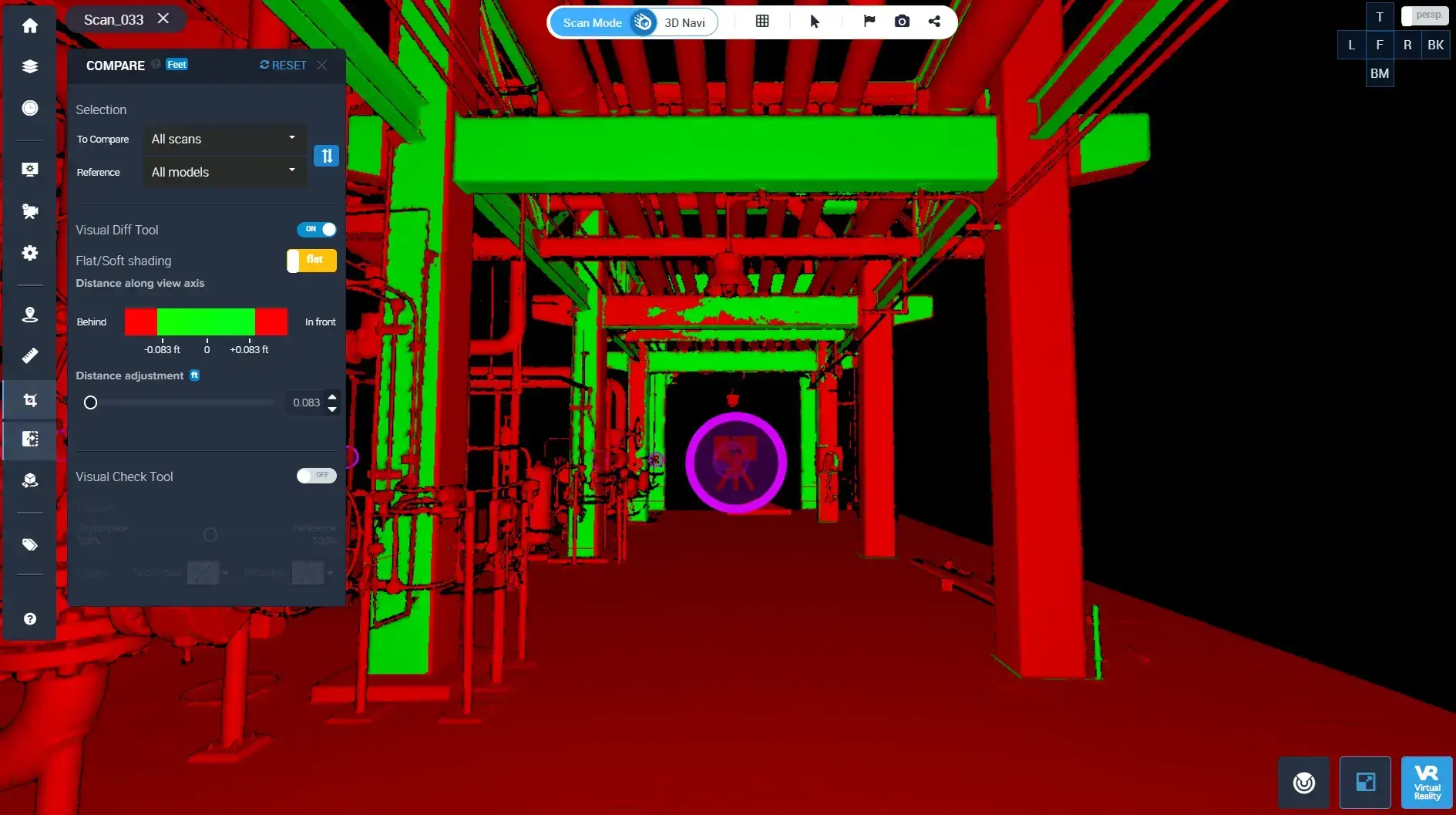
Your team invested in 3D scanning, captured terabytes of site data, and built a case for a digital twin. Months later, the twin project has stalled, the scans sit on local drives and the operations team has never opened them. This gap between capture and operations is one of the most common reasons digital twin deployments fail.
Understanding where 3D scan integration breaks down can save your next project from the same outcome. This article walks through the specific points of failure, from file handling to collaboration, and outlines practical steps to keep the data moving toward operational use.
Cintoo converts complex point clouds into high-fidelity 3D meshes that teams across your organization can access in a browser, closing the gap between scanning and doing.
Key Takeaways: Why 3D Scan Integration Fails in Digital Twins
- 3D scan integration stalls when raw point clouds remain locked in desktop software and never reach operations teams.
- File size and format barriers prevent non-specialists from accessing scan data, creating isolated data silos across departments.
- Misalignment between capture standards and downstream BIM or digital twin requirements causes rework and delays.
- Browser-based collaboration closes the handoff gap by making reality data accessible to every stakeholder, not just scanning specialists.
- Cintoo addresses these breakdown points by converting point clouds into lightweight, high-fidelity 3D meshes, accessible from any browser.
What Is 3D Scan Integration in a Digital Twin?
3D scan integration is the process of connecting laser scan data to a digital twin so that captured site conditions become part of an active, operational model. Making 3D scan data useable involves uploading, processing, aligning, and structuring it so your team can query it, compare it against design models, and act on it.
The goal is to turn a raw point cloud into a living reference your organization uses for decision-making. When integration works, the digital twin reflects actual conditions on the ground and supports workflows like QA/QC, clash detection, and maintenance planning.
Without this, scan data becomes a one-time deliverable that collects dust on a drive. The twin stays theoretical, and field teams keep relying on manual measurements and outdated drawings.
Why Does 3D Scan Data Get Stuck After Capture?
The most common breakdown happens right after the scanning crew leaves the site. Raw point clouds are large, often tens of gigabytes per scan session. Moving that data from scanner to server to a platform where someone can work with it requires specialized software, significant bandwidth, and time.
Many teams capture high-quality data but lack a clear handoff workflow. The scanning specialist exports the files, uploads them to a local network, and moves on to the next job. The BIM manager or operations lead may not have the tools or training to open those files, let alone integrate them into a model.
This handoff bottleneck is where most digital twin projects lose momentum. The data exists, but it never reaches the people who need it.
How Do File Size and Format Issues Block Integration?
Point cloud files in E57, LAS, or RCP formats can range from a few gigabytes to multi-terabytes for complex facilities. Desktop software capable of handling these files often requires dedicated hardware with high-end GPUs and large amounts of RAM.
That creates a gatekeeper effect with only a handful of team members, typically the scanning or BIM team, able to open the data. Everyone else relies on screenshots, PDF exports, or second-hand descriptions of what the scan shows.
According to a 2025 study published in the Journal of Big Data in Engineering, data interoperability ranks among the highest barriers to digital twin adoption in the construction sector.
The format problem extends to the twin itself. If your digital twin platform does not ingest the specific file format your scanner produces, you face an extra conversion step. Every conversion risks data loss, misalignment, or reduced fidelity.
What Role Does Data Structure Play in Digital Twin Readiness?
Capturing millions of points is only the first step. For scan data to feed a digital twin, it needs structure: classification, tagging, spatial alignment with existing models, and metadata that connects each element to an asset or system.
Most raw scans arrive without this structure. Points exist as coordinates in space, but they carry no semantic meaning. A pipe looks the same as a wall unless someone, or a classification engine, identifies and labels it.
Cintoo's Twin Edition uses AI-driven classification to categorize objects in your scan data automatically, reducing the manual effort needed to make raw captures operationally useful.
Without proper structure, the digital twin becomes a visual model you can navigate but not query. You can look at it, but you cannot ask it questions or tie it to maintenance records, work orders, or sensor feeds.
How Does Misalignment Between Capture and BIM Cause Rework?
Scan data and BIM models often originate from different teams, at different project stages, using different coordinate systems. When the two datasets meet inside a digital twin platform, misalignment shows up as clashes, gaps, and offsets that require manual correction.
This rework is costly. If the scanning team did not follow the same standards as the design team, every overlay becomes a troubleshooting exercise. Field conditions do not match the model, and no one can tell whether the problem is a real deviation or a registration error.
Clear project protocols, defined before capture begins, can prevent most of these issues. Agreeing on coordinate systems, scan density, and data formats up front reduces the time your team spends reconciling datasets later.
Why Do Collaboration Barriers Stall Digital Twin Adoption?
Even when scan data is processed and structured, it often remains locked behind specialized desktop applications. Project managers, facility operators, and executives cannot access the data without installing specific software on approved machines. That limits who can participate in reviews, approvals, and operational decisions.
The result is a digital twin that only the BIM team uses. Operations, maintenance, and planning teams revert to older tools because the scan-based twin is not accessible to them.
Cintoo eliminates this barrier by streaming high-resolution 3D meshes directly in a web browser. Any stakeholder with a link can navigate, measure, and annotate the data without specialized hardware.
Real adoption depends on making reality data available to every team that touches the asset, not just the one that captured it.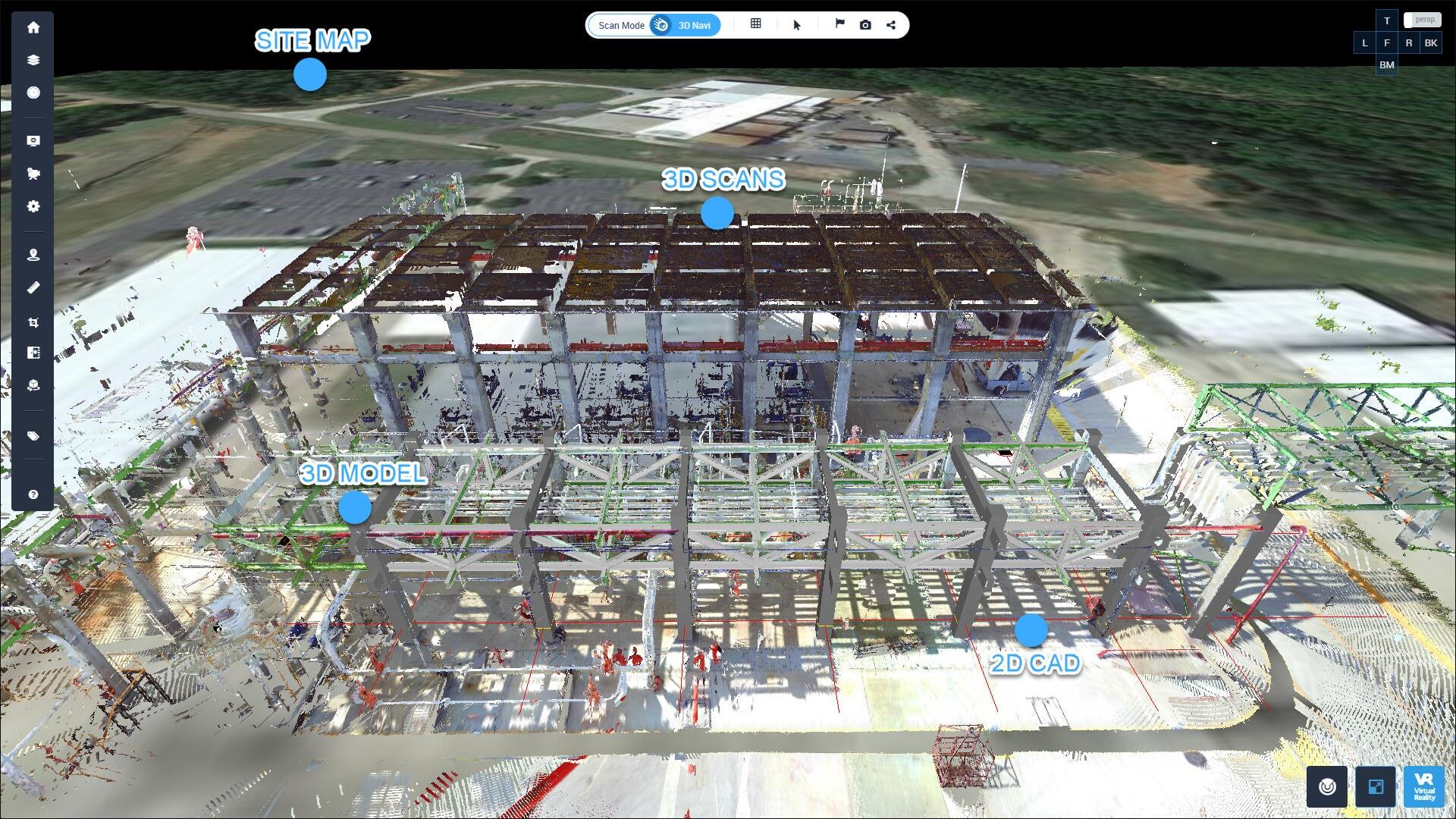
What Steps Prevent 3D Scan Integration Failures?
Define Data Standards Before Scanning Begins
Agree on coordinate systems, scan density, file formats, and naming conventions before the first scan. This alignment eliminates the most common causes of rework and data rejection downstream.
Establish a Cloud-Based Handoff Workflow
Replace local file transfers with a cloud platform that lets scanning teams upload directly and operations teams access the data immediately. Cloud-based workflows remove the bottleneck that occurs when files sit on local drives waiting for retrieval.
Cintoo's cloud platform securely uploads, processes, and manages massive 3D scan datasets from anywhere in the world.
Automate Classification and Tagging
Use AI-powered tools to classify objects in your scan data rather than relying on manual identification. Automated asset tagging accelerates the path from raw capture to structured, query-ready digital twin data.
Make the Twin Accessible to Non-Specialists
Choose a platform that does not require specialized hardware or desktop installations. Browser-based access, including multi-user collaboration features, lets facility managers, project leads, and executives engage with the twin directly.
Preventing Digital Twin Stalls with Structured Scan Workflows
3D scan integration fails when the path from capture to operations is unclear, blocked by file size constraints, or limited to a small group of specialists.
Your team can prevent these failures by defining data standards early, moving to cloud-based handoff workflows, automating classification, and choosing a twin platform that every stakeholder can access. Organizations that close this gap between capture and operations turn scan data into a shared spatial understanding that informs decisions across the full asset lifecycle.
Get in touch to see how Cintoo can improve your 3D scan workflows and close this gap for better digital twin outcomes.



.png?width=48&height=48&name=sensors%20(1).png)
.png?width=65&height=50&name=sensors%20(2).png)


.png?width=69&height=50&name=cloud_done%20(1).png)


.png?width=42&height=49&name=Group%2015496%20(2).png)


.png?width=60&height=60&name=calendar%20(1).png)


.png?width=48&height=45&name=image%20175%20(1).png)